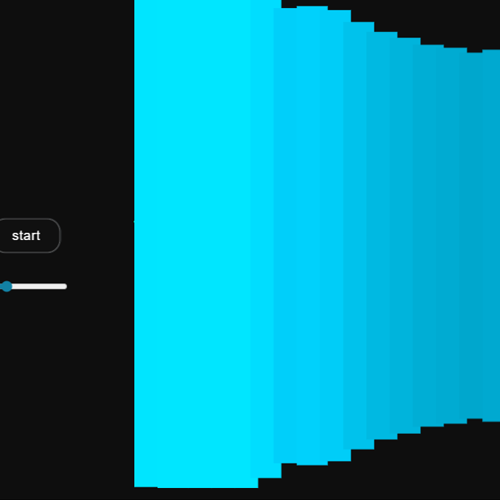
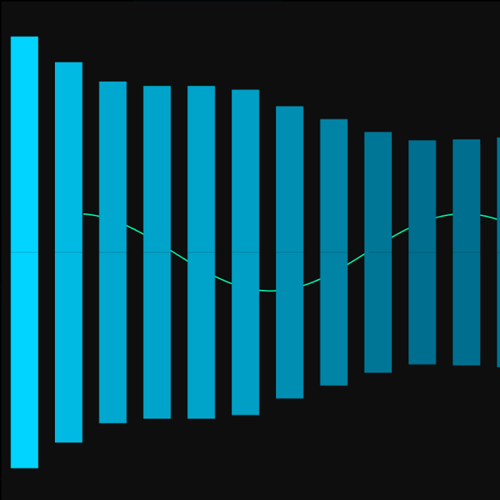
Module 2 Formstorming

Weekly Activity Template

Leah Bronowicki


Project 2


Module 2

Throughout this module, I focus on the relationship between sound and movement and how I can use it in my design.

Activity 1
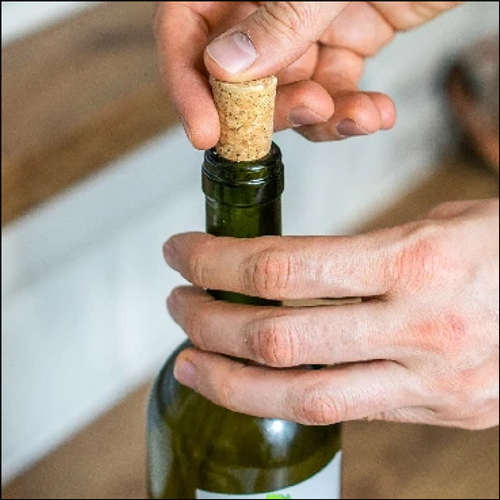
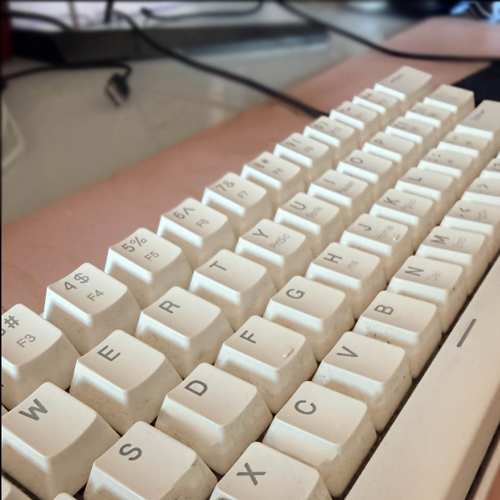
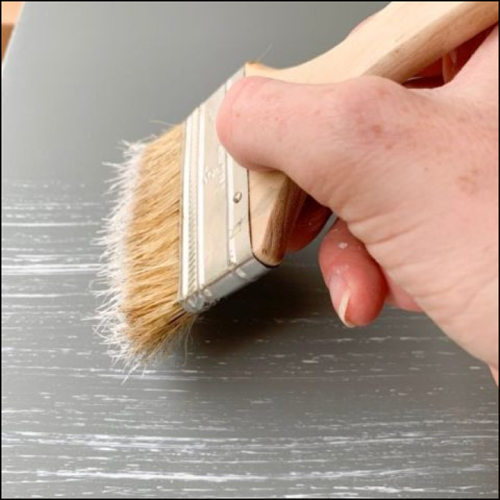
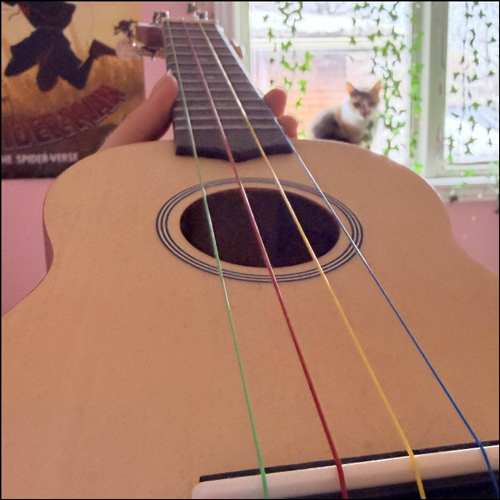
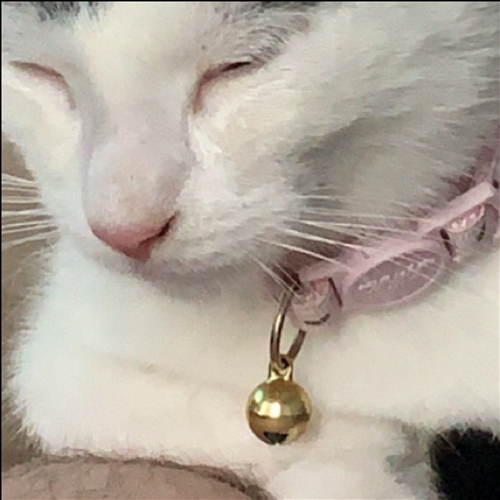
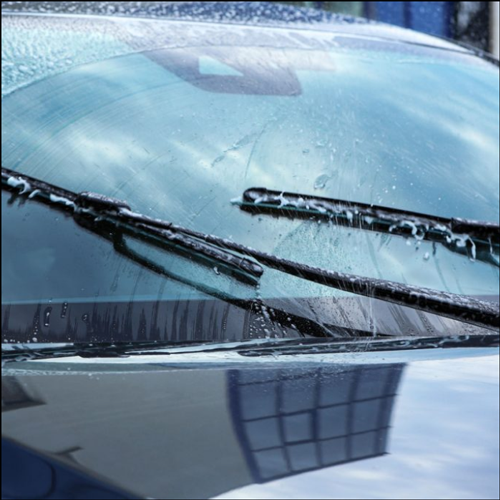
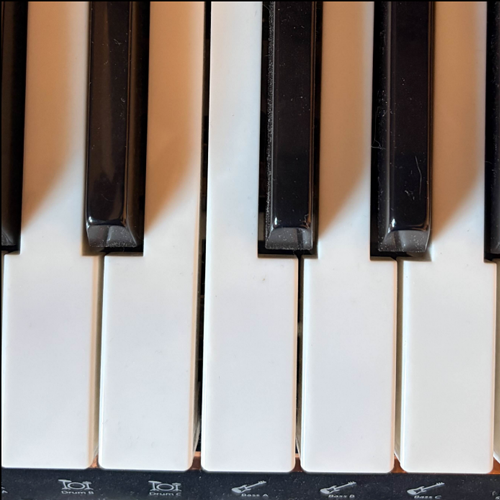
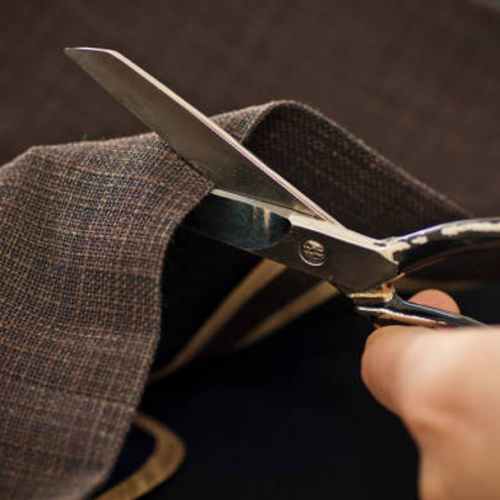
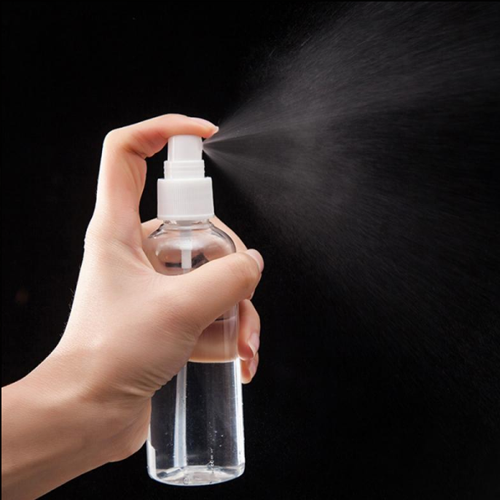
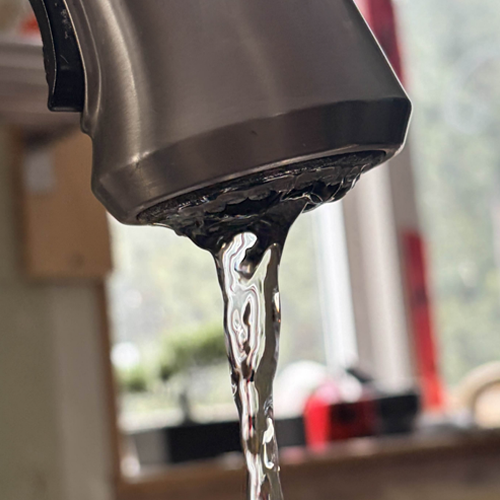
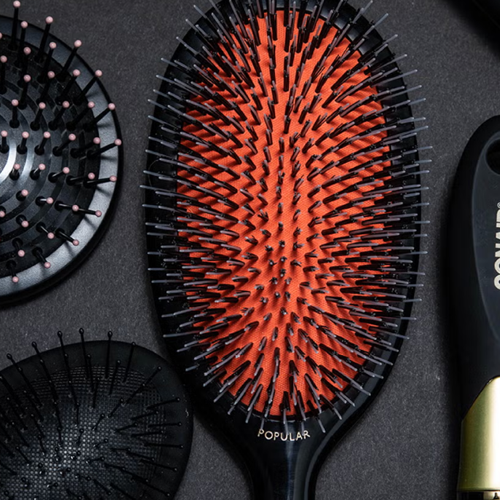
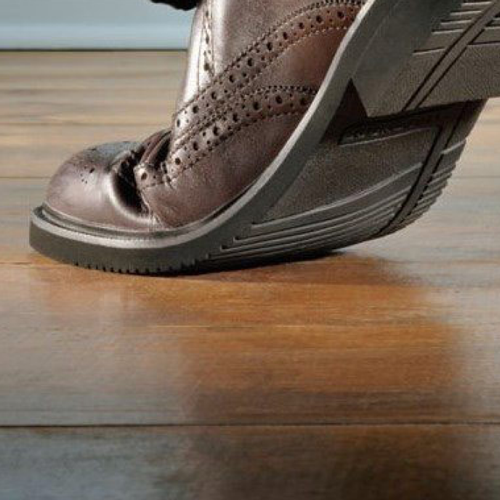
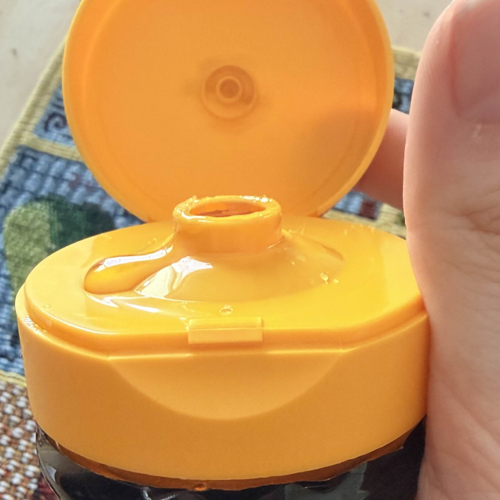
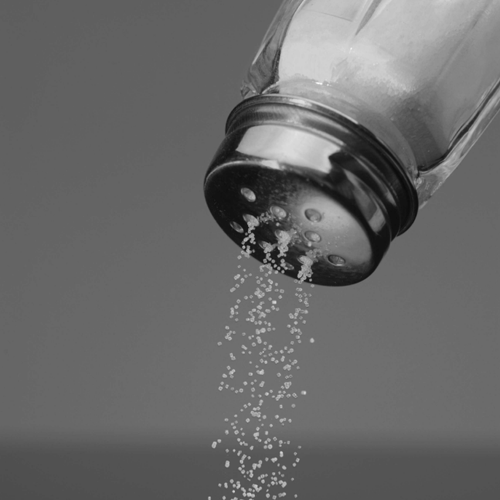
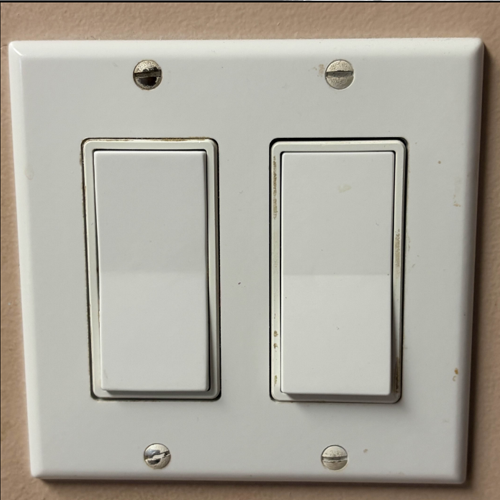
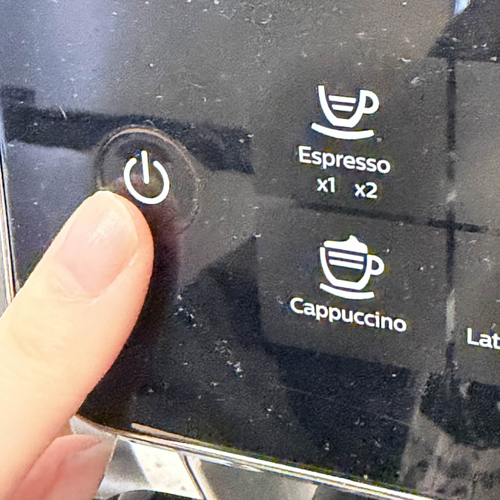
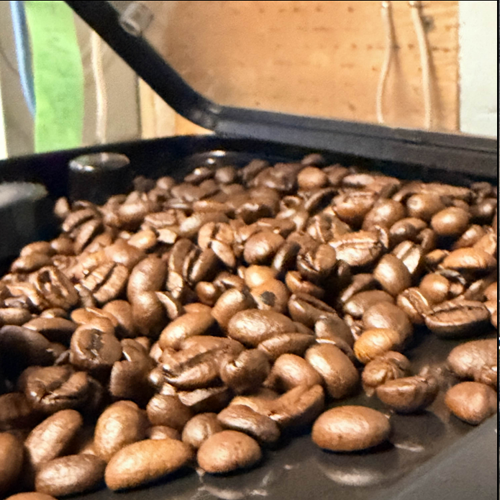
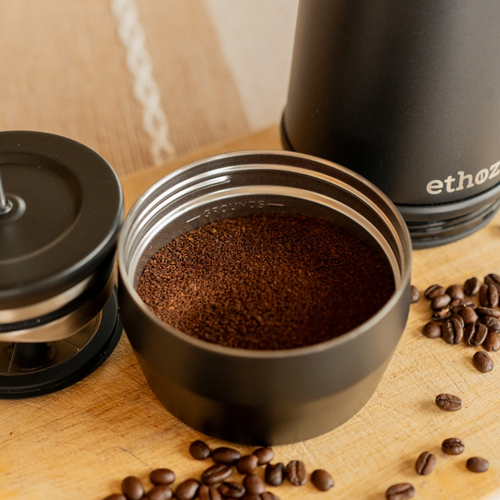
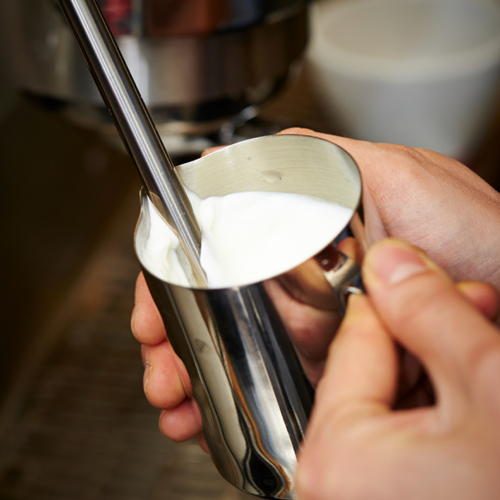
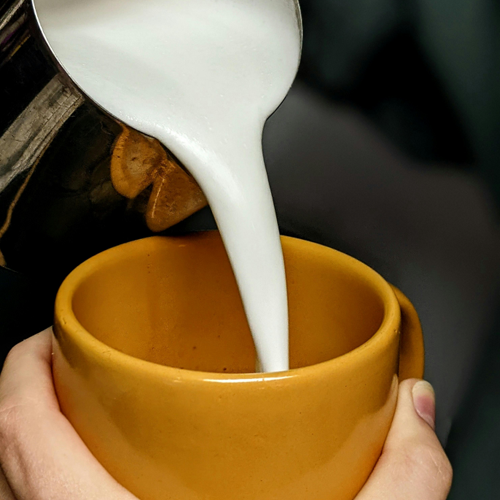
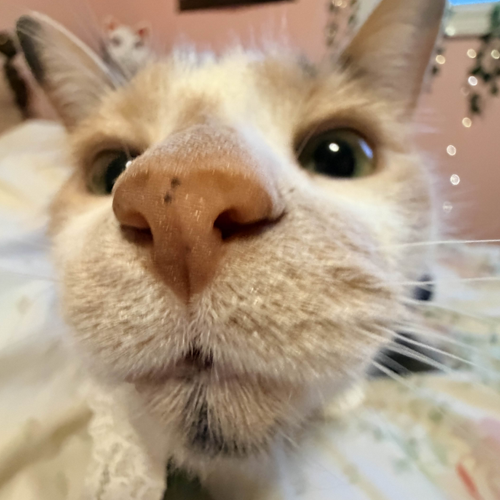
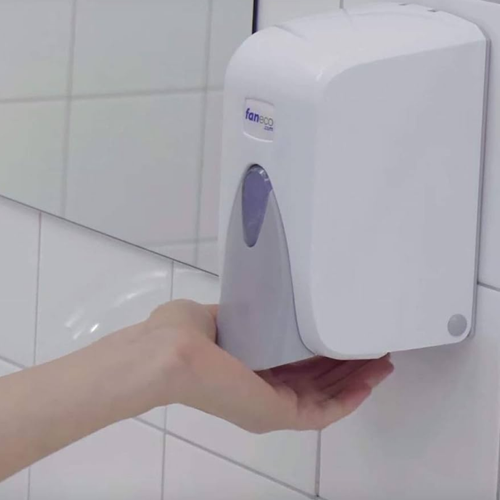
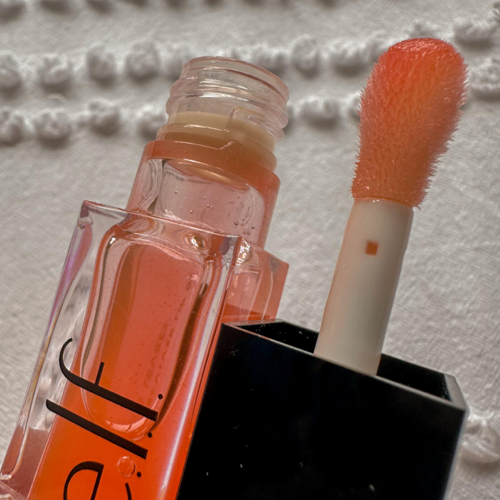
Wine bottle being opened (image source: https://nicolasperruche.com/Tapered-Cork-Stoppers-Wooden-Cork-Plugs-Natural-Wine-Bottle-1070206/)<br><audio controls src='/audio/Cork sound 1.m4a'></audio> Keyboard clacking<br><audio controls src='/audio/Keyboard 1.m4a'></audio> Dry paint brush on a canvas (image source: https://megdeldesign.com/dry-brushing-furniture/)<br><audio controls src='/audio/Paint brush 1.m4a'></audio> Ukelele strings<br><audio controls src='/audio/Guitar sound.m4a'></audio> Bell jingling<br><audio controls src='/audio/Cat bell 1.m4a'></audio> My computer power button being pressed (image source: https://www.istockphoto.com/photos/computer-power-button)<br><audio controls src='/audio/Pc turn on.m4a'></audio> Windshield wipers of my car (image source: https://driversed.trubicars.ca/windshield-wipers-2/)<br><audio controls src='/audio/Windshield.m4a'></audio> Piano keys playing different notes<br><audio controls src='/audio/Paink sound.m4a'></audio> Scissors cutting (image source: https://legrandcrafts.com/blogs/blogs/how-to-choose?srsltid=AfmBOoq_gg5hR8Uw8UknlLeQug6uxSj-LJgyRI02KvtlCug_U5_A0zvn)<br><audio controls src='/audio/Scissors 1.m4a'></audio> Spray bottle (image source: https://mapleridgejanitorialsupplies.com/shop/commercial-institutional/plastic-bottle-with-pump-spray-150-ml-refillable-for-liquid-sanitizer/)(<br><audio controls src='/audio/Better spray 1.m4a'></audio> Sink water sounds<br><audio controls src='/audio/Sink.m4a'></audio> Brush bristle sounds (image source: https://www.womenshealthmag.com/beauty/g42577718/best-hair-brushes/) <br><audio controls src='/audio/Brush bristles 1.m4a'></audio> Door knob locking and unlocking<br><audio controls src='/audio/Lock sound.m4a'></audio> Floor boards creaking (image source:https://jgflooring.co.uk/reducing-the-creaks-and-squeaks-in-oak-wooden-flooring/) <br><audio controls src='/audio/Floor creak 1.m4a'></audio> Honey lid flicking open and closing<br><audio controls src='/audio/Honey lid.m4a'></audio> Salt shaker sounds (image source:https://www.sydney.edu.au/news-opinion/news/2015/07/30/how-to-help-australians-pass-on-the-salt.html) <br><audio controls src='/audio/Salt shake.m4a'></audio> Light switch sounds<br><audio controls src='/audio/Light on 1.m4a'></audio> Coffee machine power button sound<br><audio controls src='/audio/Coffee on 1.m4a'></audio> Coffee being poured from the machine<br><audio controls src='/audio/Coffe machine 1.m4a'></audio> Coffee beans being pressed to make espresso (image source:https://planetarydesign.com/blogs/news/how-to-make-espresso-with-a-french-press?srsltid=AfmBOoqVVmXtEvIL5OOQ34ITrWb898D2ndb1cAnfLWaodDEJDxUoQfaS)<br><audio controls src='/audio/Coffee press.m4a'></audio> Milk being steamed (image source:https://www.mulmar.com/information-guide/coffee-equipment-guide/getting-the-most-from-a-milk-steamer/)<br><audio controls src='/audio/Foamer.m4a'></audio> Pouring the milk into a mug (image source:https://www.pexels.com/photo/close-up-of-person-pouring-frothed-milk-into-a-mug-12240410/) <br><audio controls src='/audio/Pour milk.m4a'></audio> Some noises my cat mittens made before eating her lunch<br><audio controls src='/audio/Kitty eat.m4a'></audio> Soap dispenser noises (image source:https://www.amazon.de/-/en/Liquid-soap-dispenser-500-ml/dp/B00FKXQM86)<br><audio controls src='/audio/Soap dispenser 1.m4a'></audio> Lip gloss noises (image source:https://luxuryblush.co.uk/2024/08/elf-glow-reviver-tinted-lip-oil-review/)<br><audio controls src='/audio/Lip gloss 1.m4a'></audio>

Activity 2
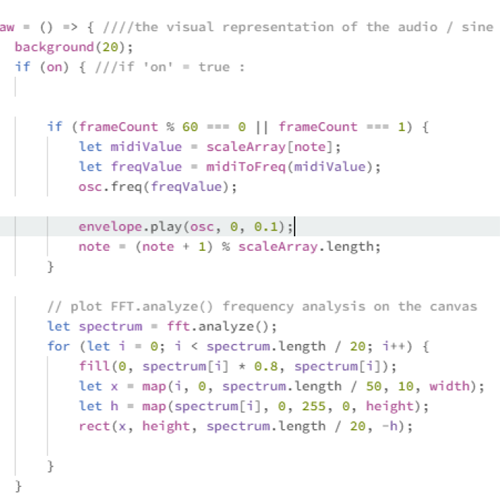
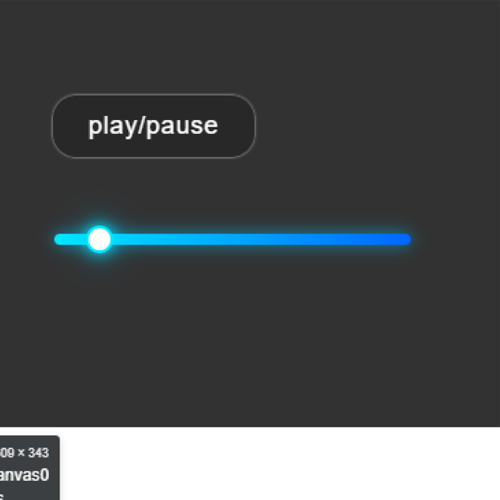
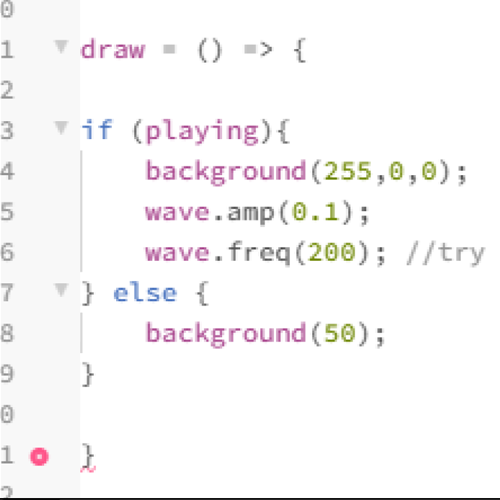
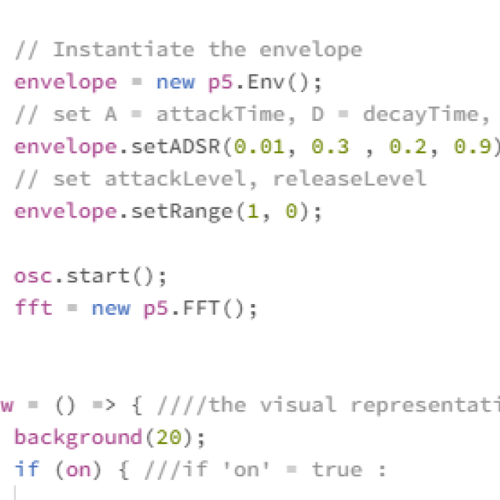
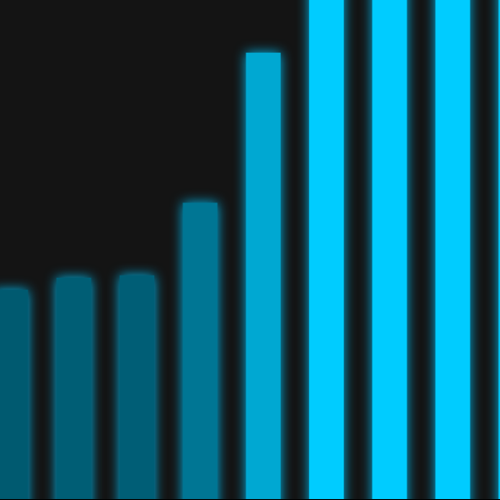
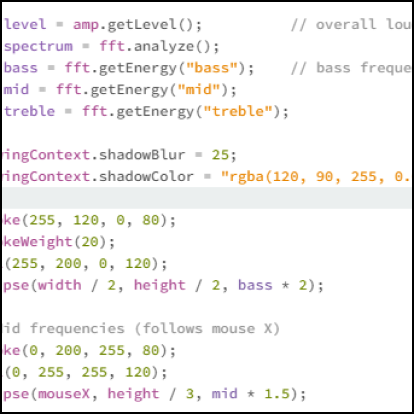
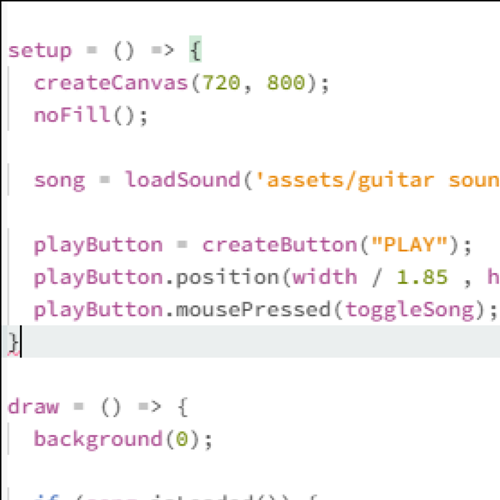
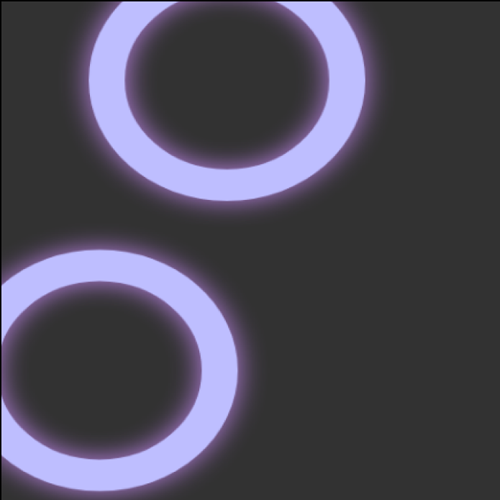
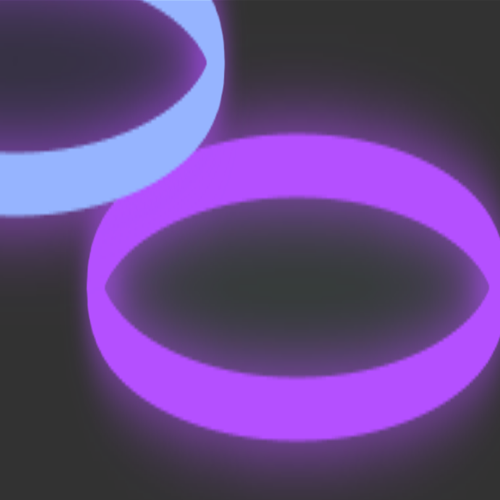
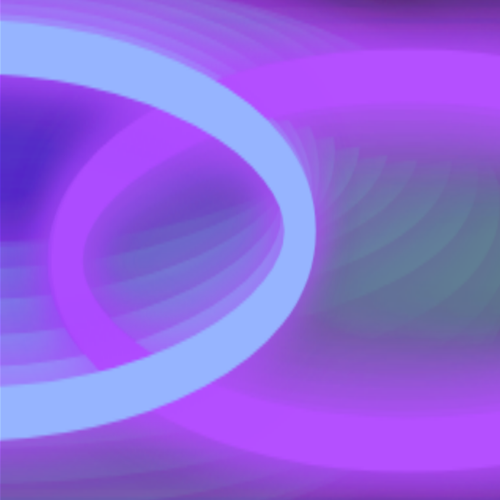
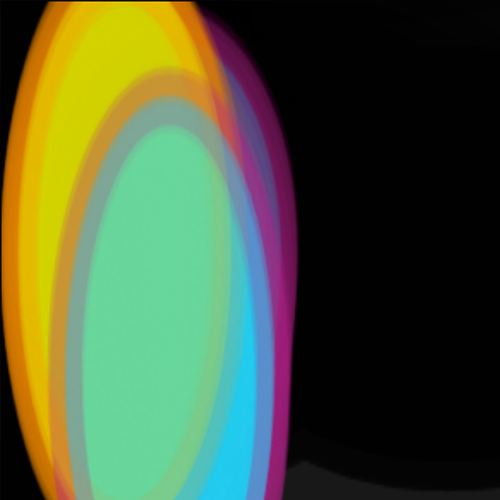
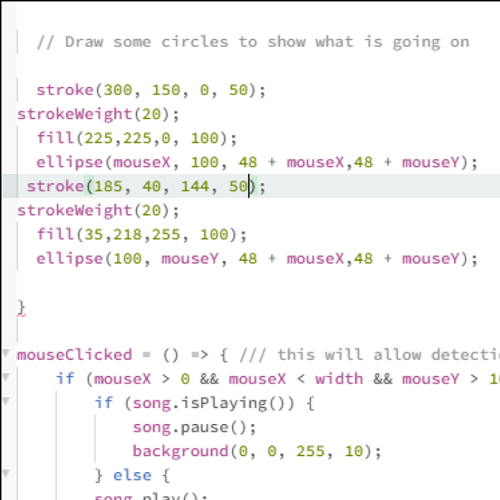
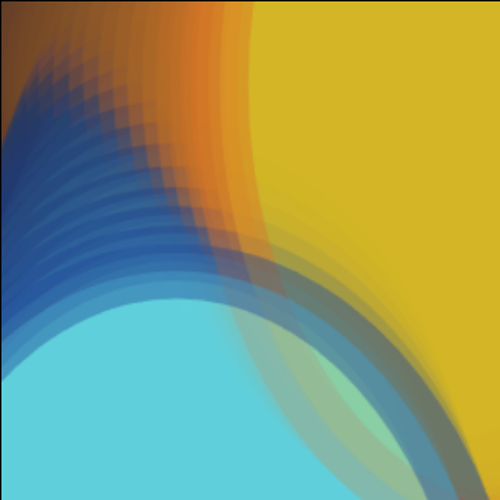
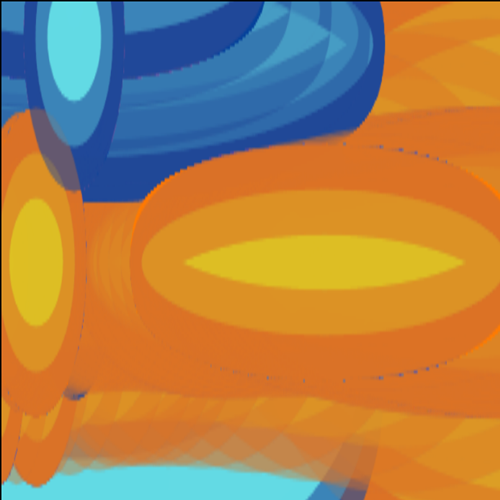
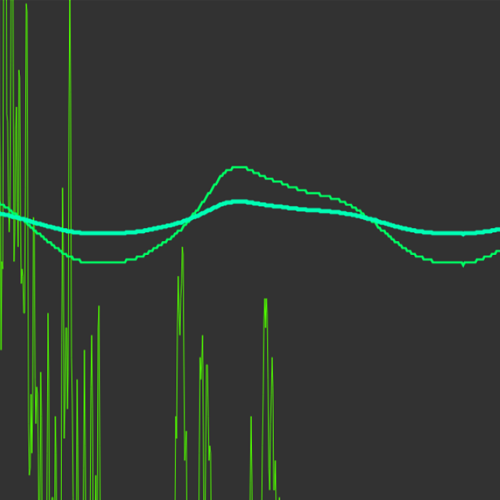
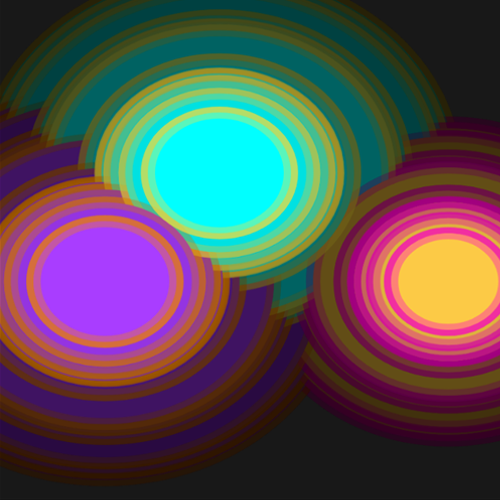
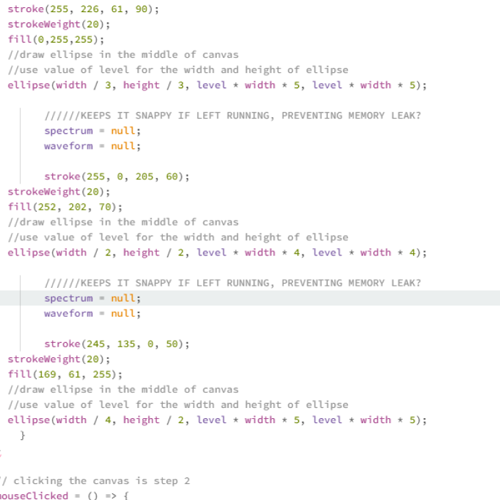
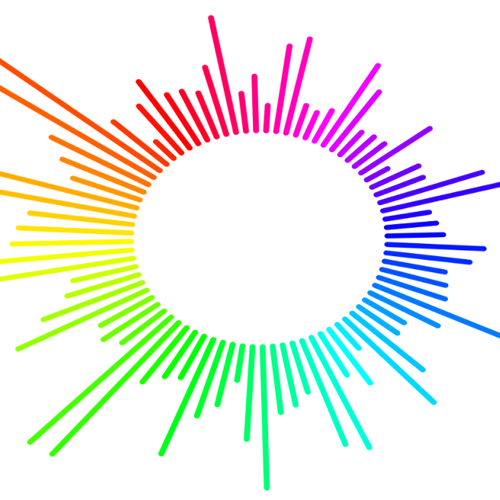
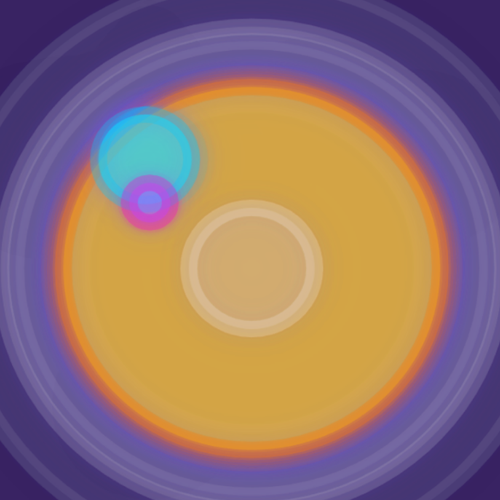
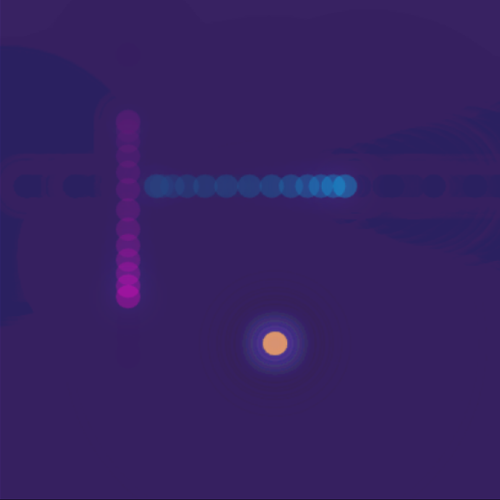
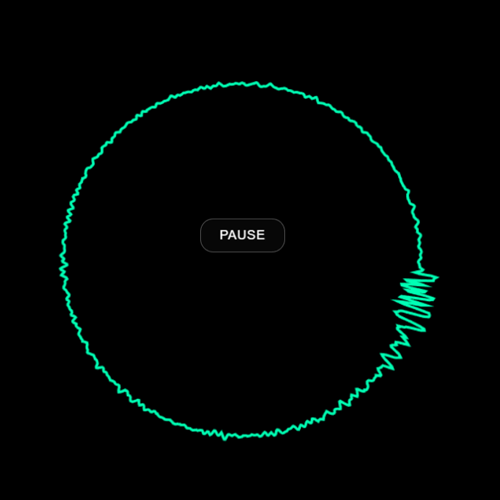
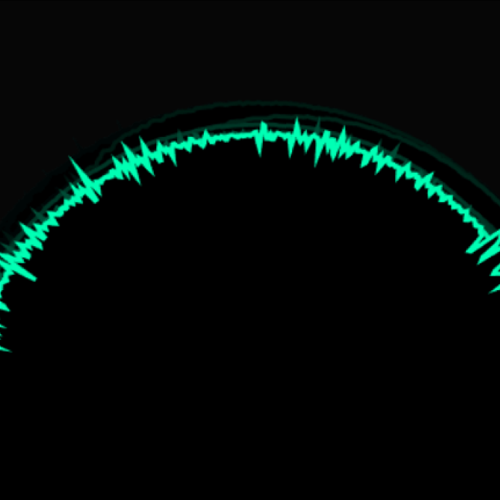
Image of how I redesigned the slider bar I took plenty images of the values I edited to remember what and how they affect. This was the controlling the intesity of the visualization. As well as the background setup that could be edited to acheive glowing and lasting effects. This was the sound manipulation code, I played around with these values to get different midi notes and how long the notes lasted. This was one of the first visualizers I played around with, the spectrum fft analysis and the values within it were important to remember. Changing up all the values and creating different patterns effected the look of the visuals in different ways like size, weight and how many bars there were. This is the image of the visuals, I added some shadow color to create a glowing effect. Here's that same code with the values changed up. No glow Here's the code I added to get that glow, I added this code to the next visualizer as well. This was me learning to load in a sound of my own. This is the slider visualizer, changed the colours, removed fill and added that glow. Here's some more changes and movement of that same code. Changed the background opacity to have the lasting effects on the drawing Added the fill back in, played around with some different colour combinations and contrast. Here's the values I was changing to create the different visuals. Important values including the opacity value at the end. This visual plays with the size of the circles that also controlled the volume and playback speed. Played around with complementary colours and opacity of the background completely to zero. This was the first look at the linear waves. Layered them and changed up the colours and line weights. This was taken from the reactive circles that expand to the volume and beat of the sound. Copy pasted the code to add more and lowered the background opacity to see how they layered together. This code was important as it introduced me to using the previous code and laying it out into a shape. This code was harder for me to understand how I could manipulate it, but I tried my best to make a difference by changing the values seen. Here's the outcome of the values being changed so that the audio reactions could be bigger. Here's when I started making my own iterations. Had two circles as the x and y sliders but they all pulsed to the audio. Played around with colours and opacity again. That same code but before the audio plays, I liked how the movement looked. Here is a sine wave circle I did my own research into, it reacts to mic-input. Reference: https://youtu.be/uk96O7N1Yo0?si=n0Lssx_znATOt2gL A close up of the drawing. Changed the background opacity to see what the lines look like after time. Here's another iteration where I mirrored the reactive sound bars so that they move upward and downward. I changed up the values of the code from before and tried to add a linear sine wave behind it.

Project 2


Final Project 2 Design

P5 Interactive Audio Web Header

This is my interactive Spring Net.Tide!

Click here to see it working on my server


×

Powered by w3.css